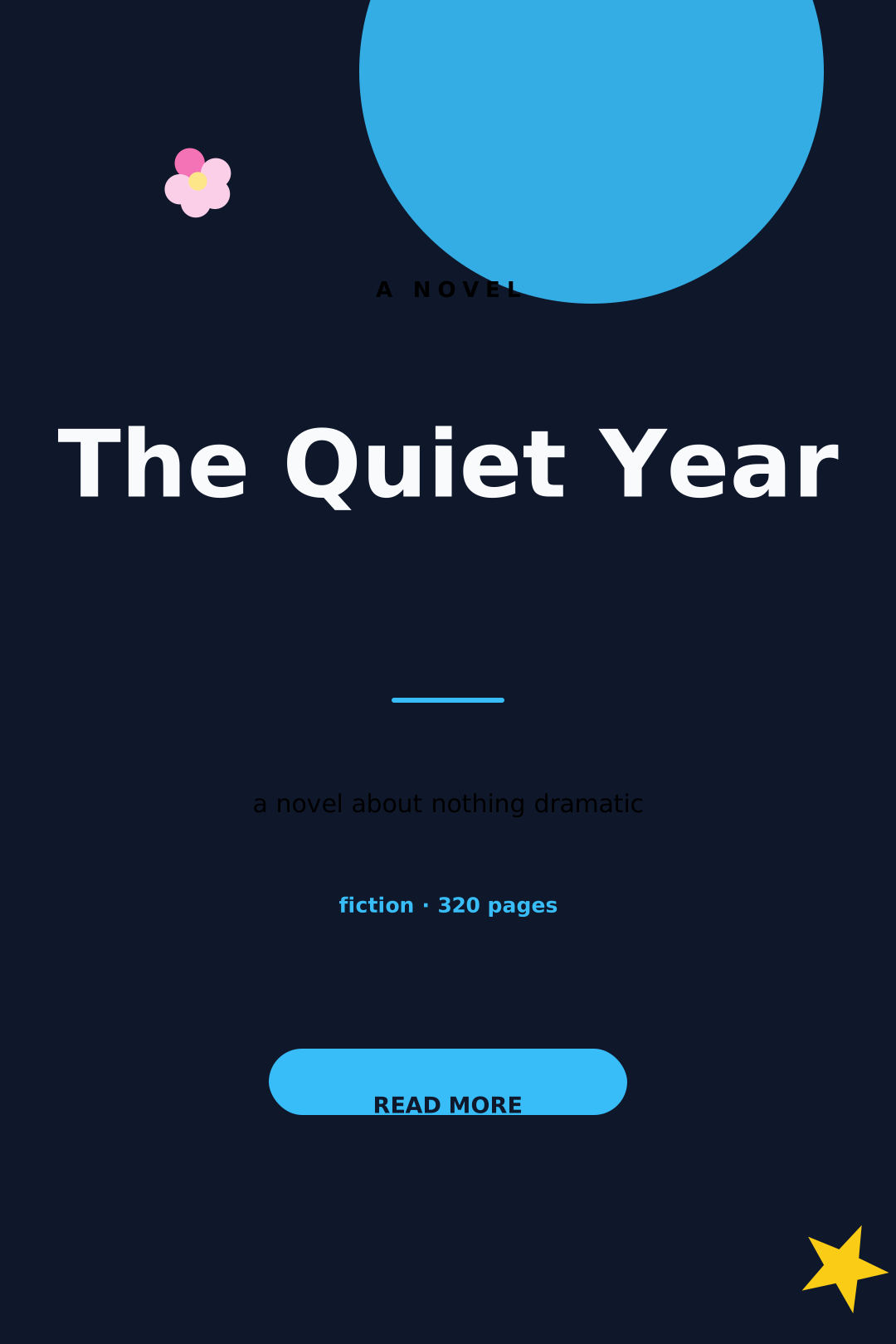
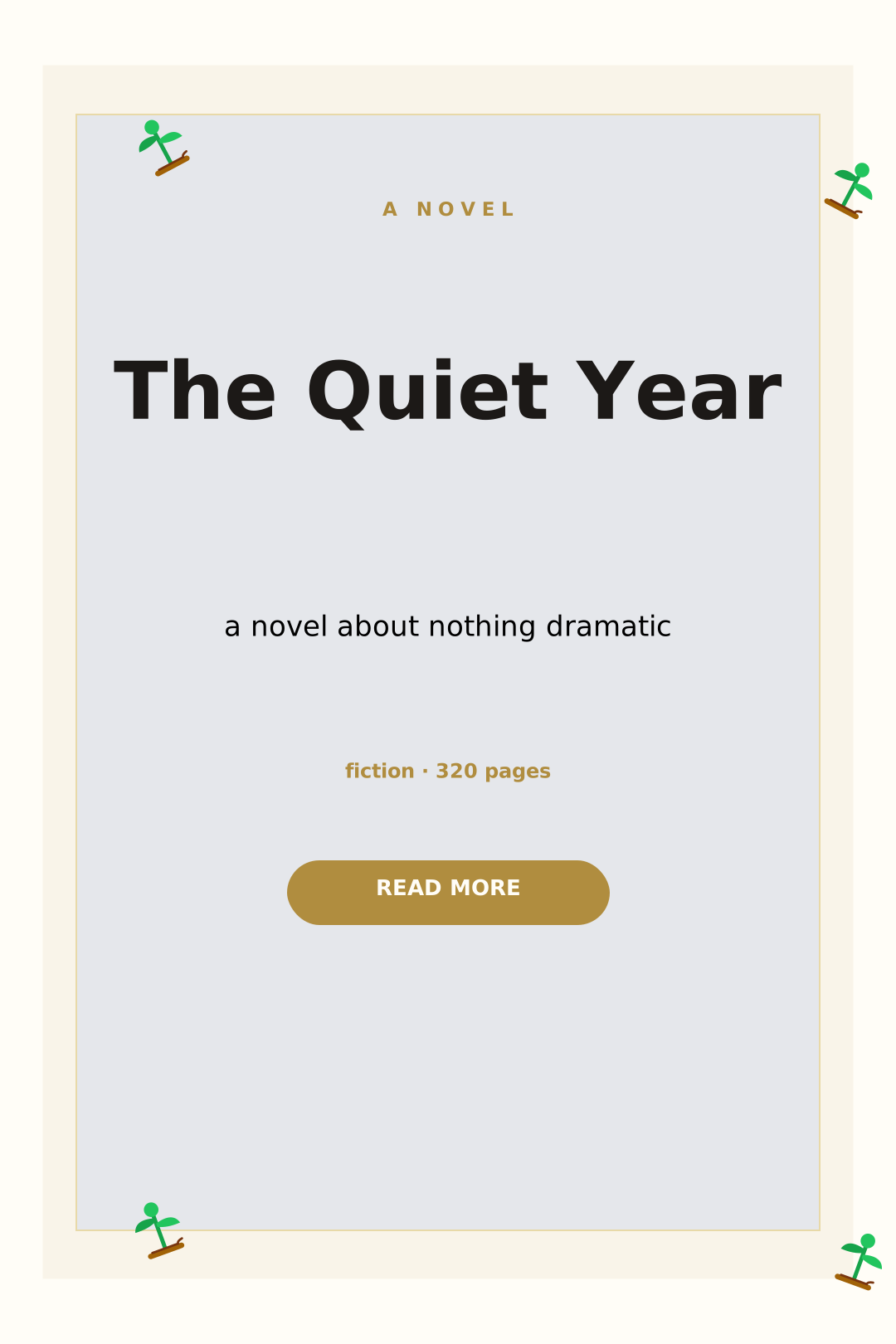
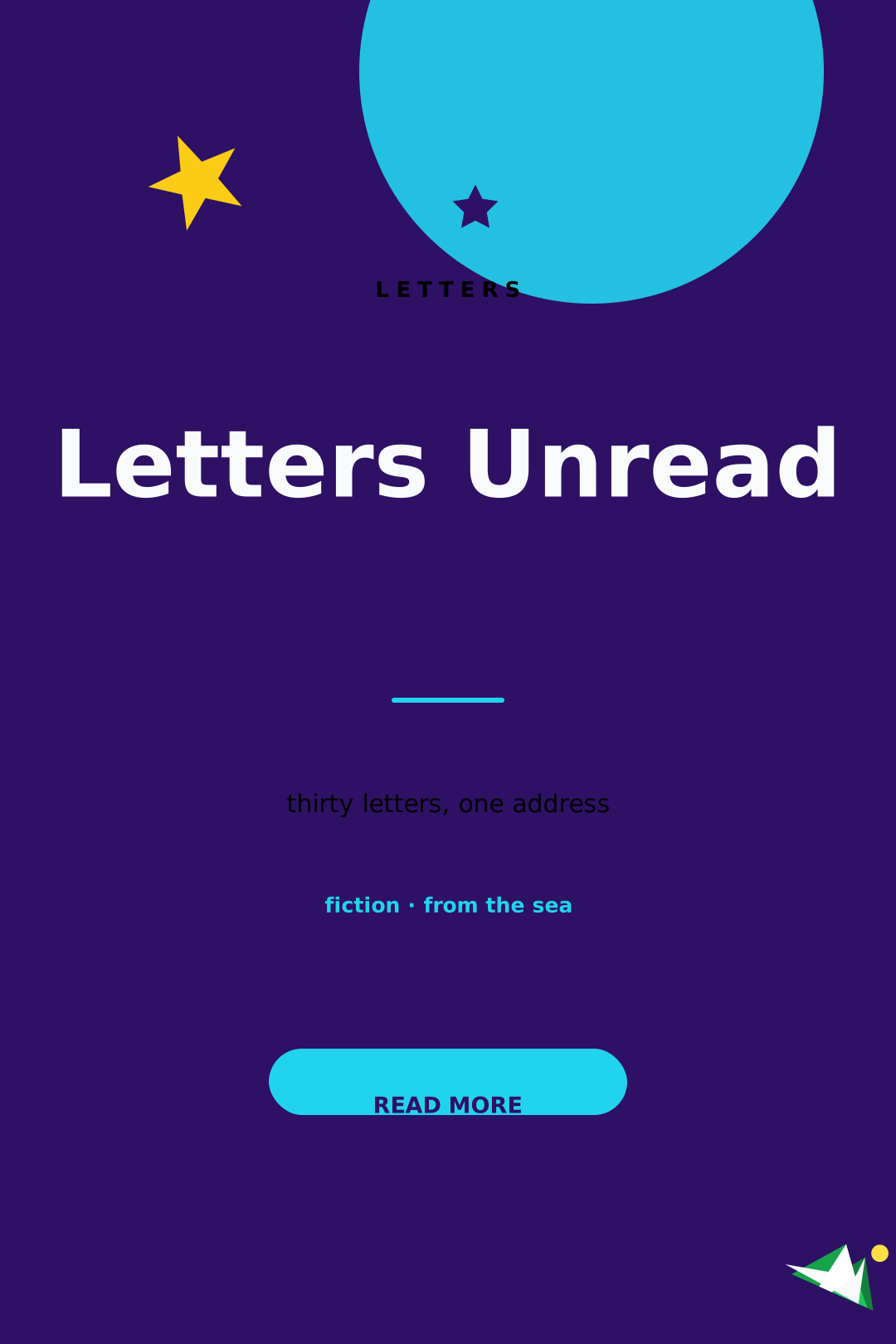
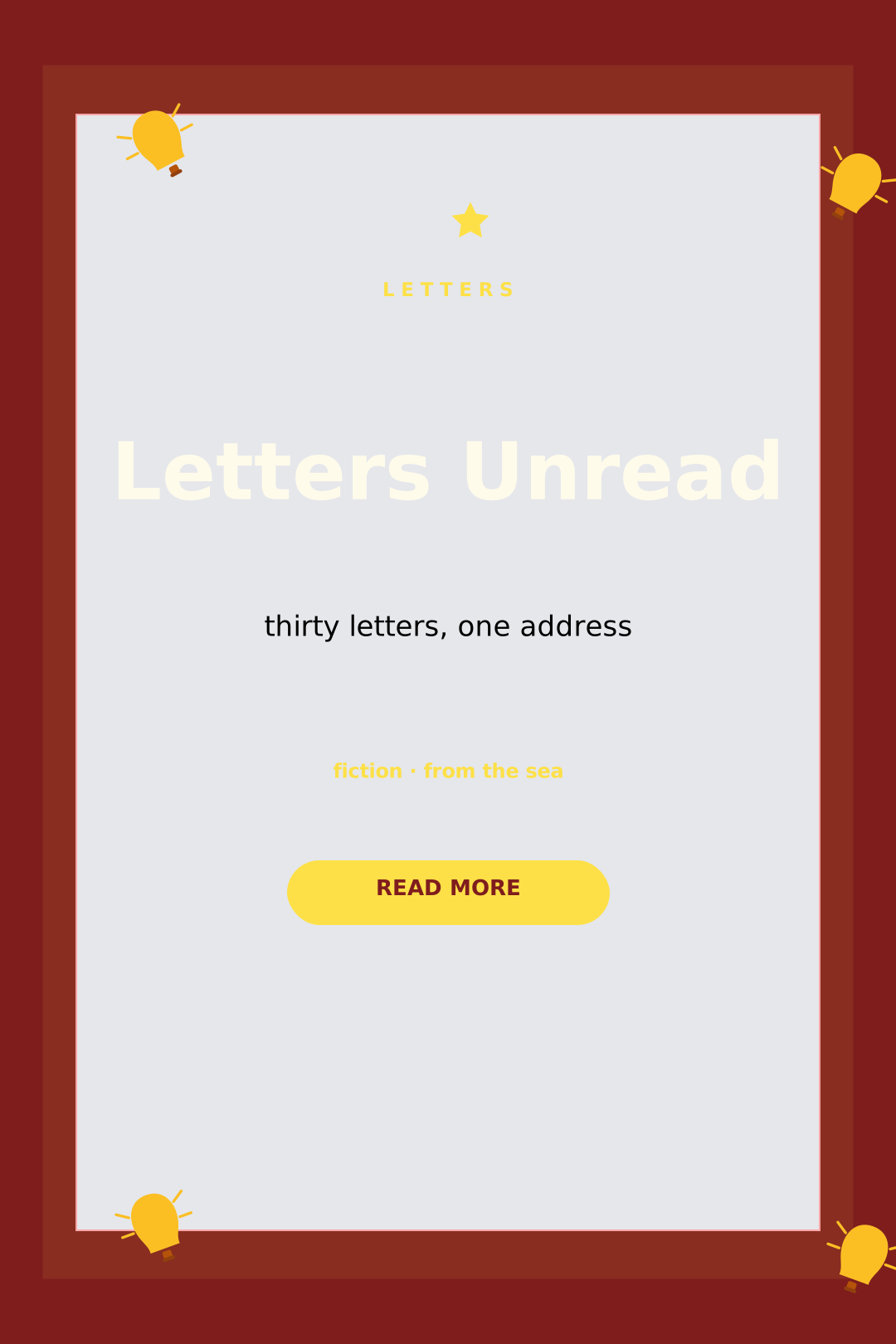
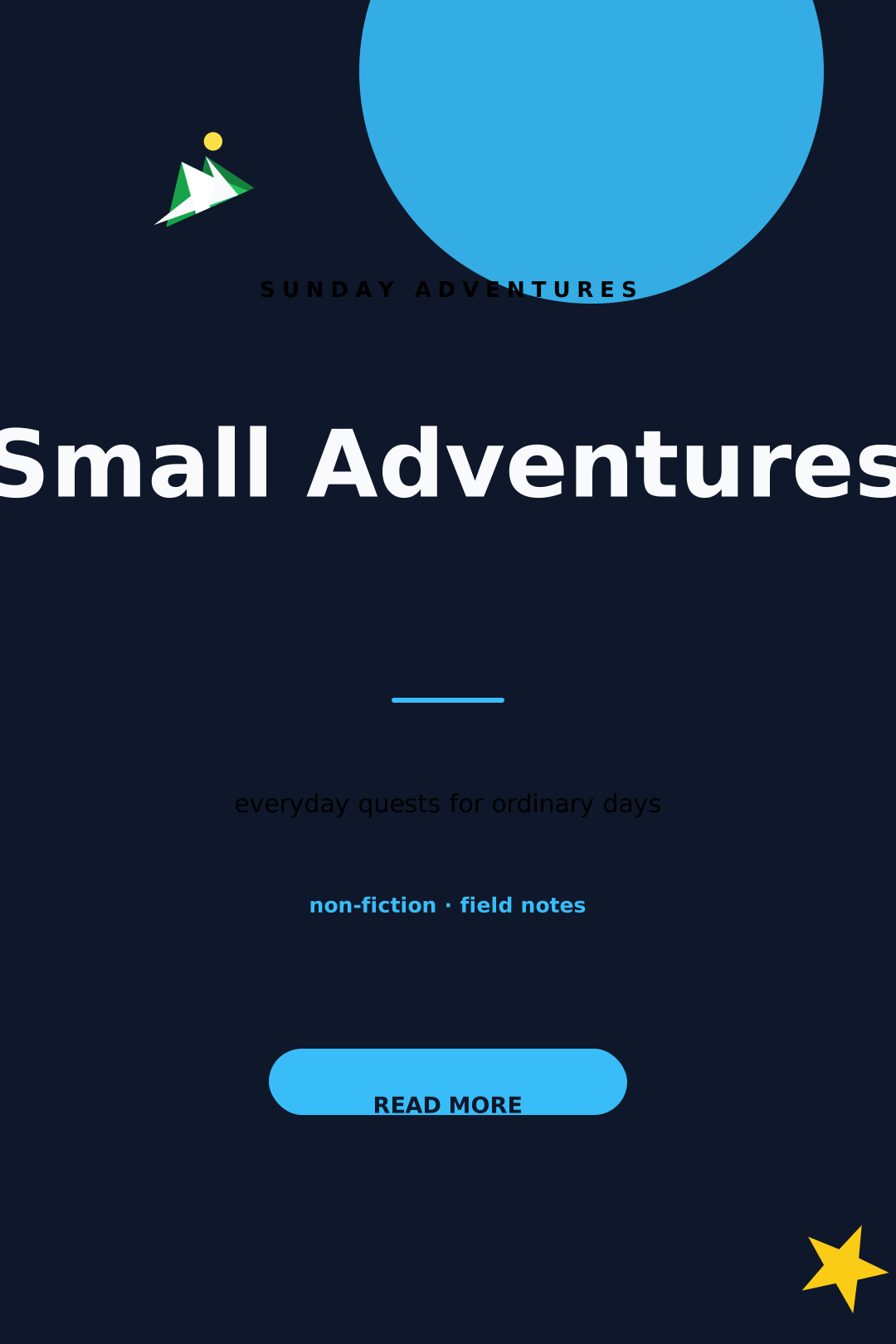
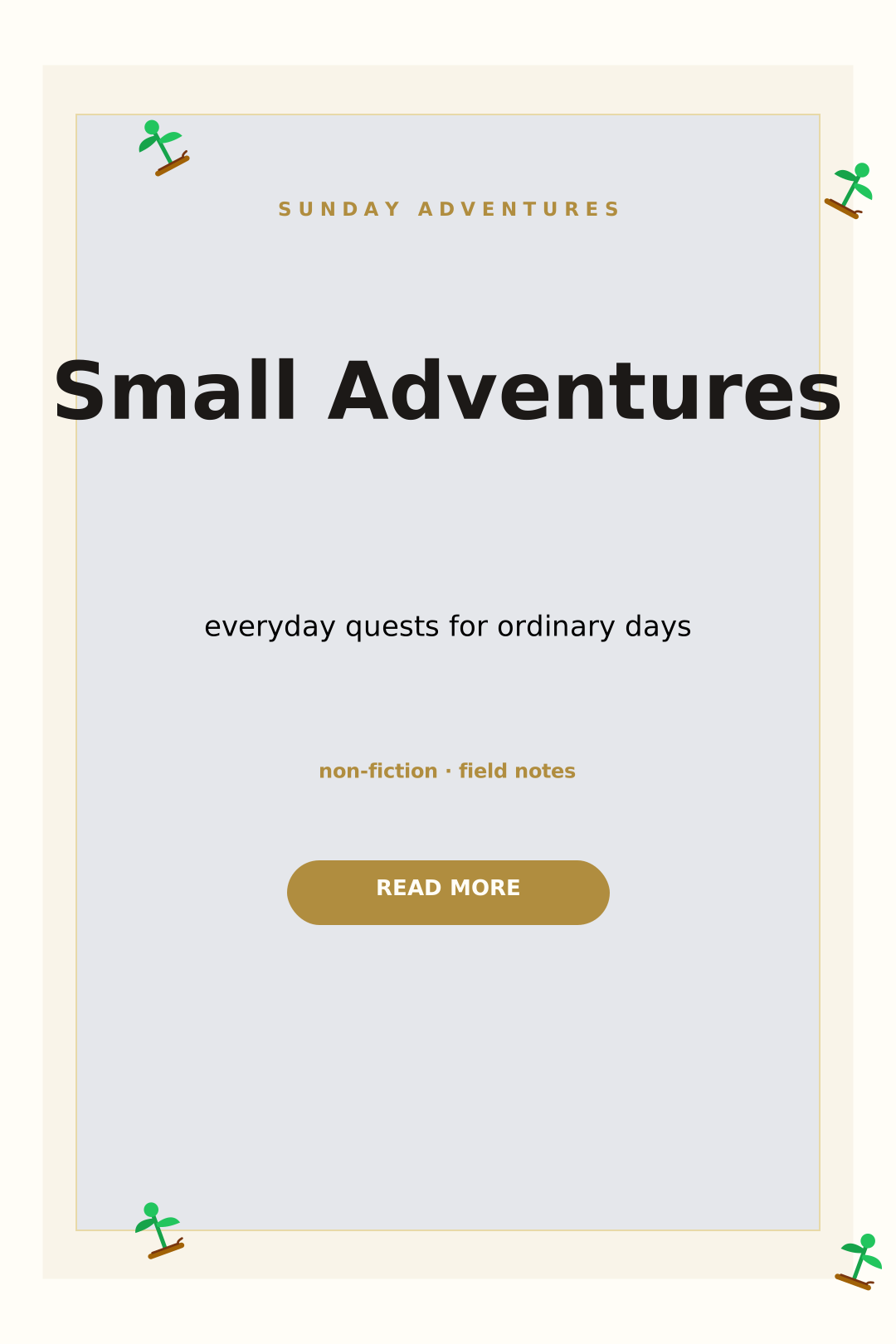
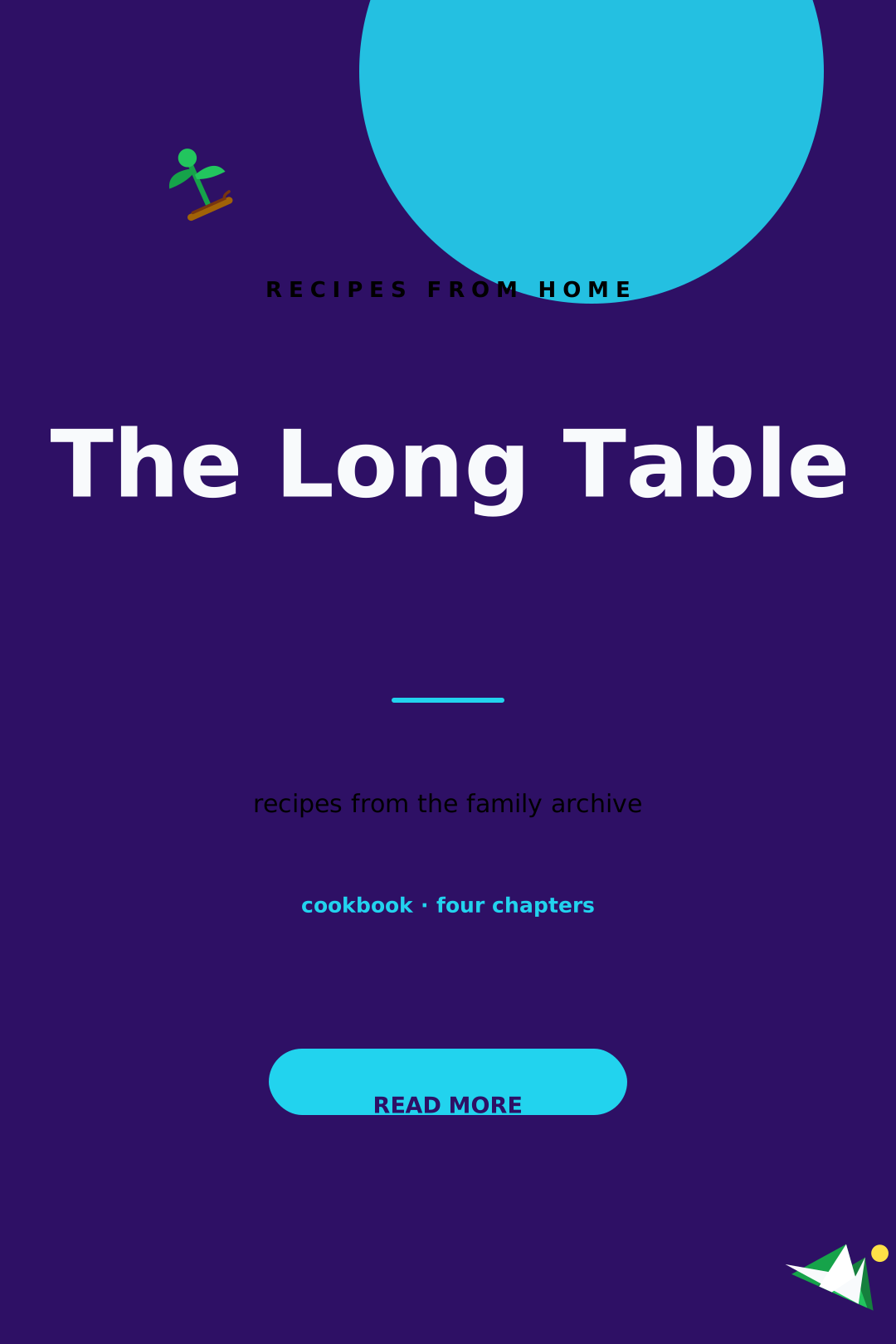
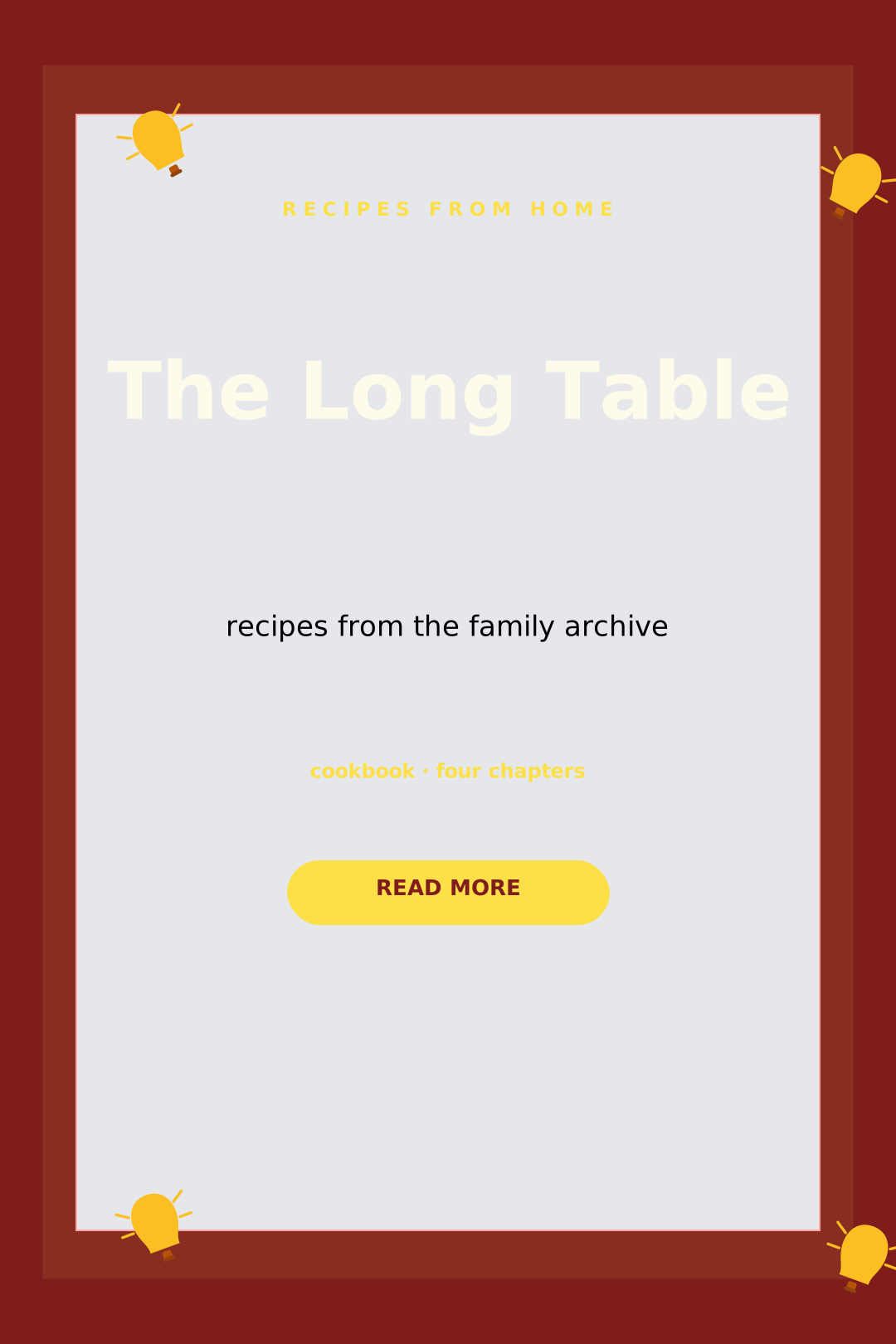
Give your book a cover that sells it — genre-smart templates, big readable titles, and export sizes tuned for Kindle, Apple Books, and Gumroad.
Start from thriller, romance, self-help, fantasy, and more cover presets.
Place title, subtitle, and author name with fonts sized for thumbnail visibility.
Download at standard 1600 × 2560 px or any custom retailer requirement.
Most shoppers see your cover at 100px wide. Test zoomed out — if the title vanishes, make it bigger.
Serif + dark tones signal thriller; bright gradients signal self-help. Meet expectations first, then twist them.
Duplicate your cover and swap only accent colors and titles so sequels are instantly recognizable.
Amazon recommends 1600 × 2560 pixels (a 1:1.6 ratio). The preset is ready when you open the editor.
For print, set custom trim dimensions and export a print-ready PDF — just add spine width from your page count.
Join thousands of creators making beautiful work with vedirea. Free forever. No credit card.